
What is SAS Customer Intelligence 360?
SAS Customer Intelligence 360 is an AI-powered customer engagement platform that turns customer insights into real-time, personalized actions across every channel. It delivers the intelligence in the critical middle layer — connecting your data foundation to journey orchestration and activation at scale.
SAS Customer Intelligence 360 platform overview
Marketing breaks in the middle – where data and engagement channels fail to connect. SAS Customer Intelligence 360 turns insights into real-time, personalized actions, orchestrating seamless customer journeys. Because the middle matters.
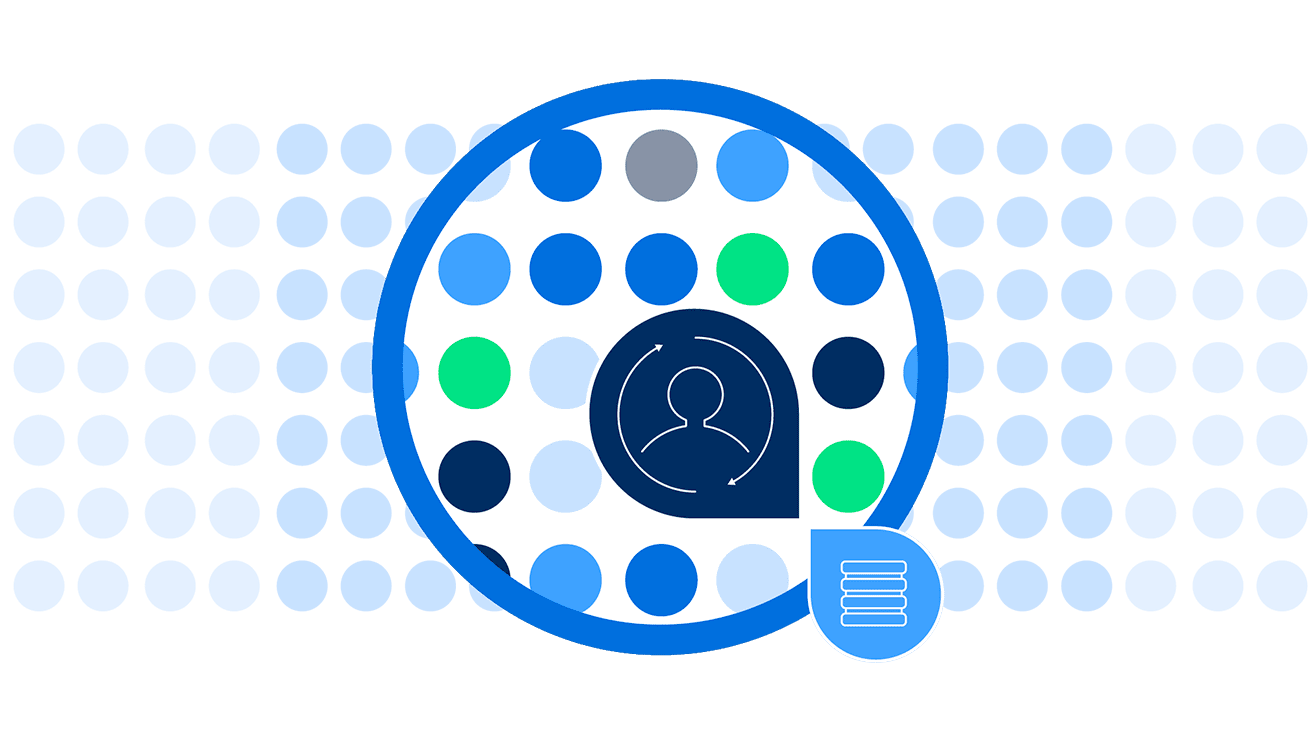
Audience capabilities
Turn disconnected data into audiences you can activate in real time.
- Employ powerful audience targeting and management in a unique hybrid data architecture that lets you keep your data where you want it.
- Seamlessly collect, enhance, extend and activate audience data in real time.
- Future-proof customer engagement with our innovative, embedded customer data platform (CDP).
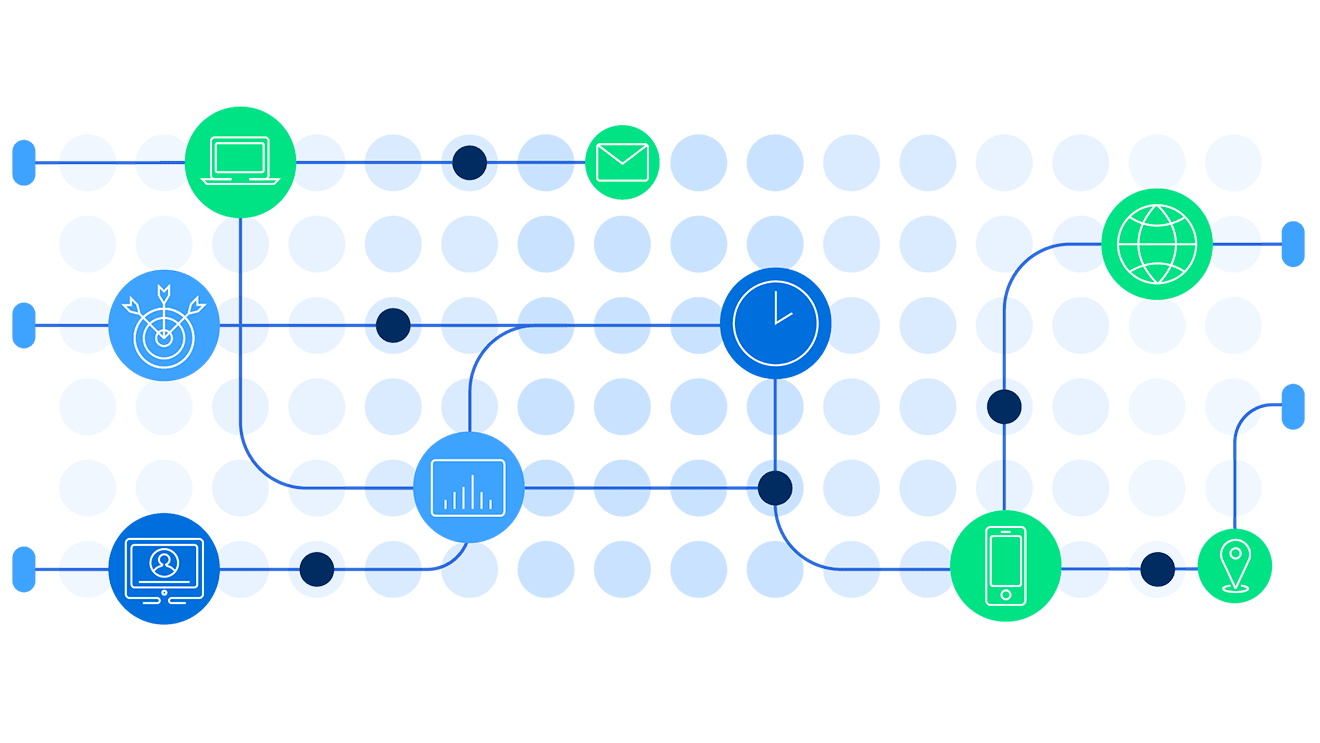
Journey capabilities
Orchestrate connected customer journeys across every touchpoint.
- Plan and orchestrate meaningful customer journeys across touchpoints to elevate customer engagement with your brand.
- Build strong customer relationships with targeted journeys powered by customer insights.
- Optimize schedules and resources through analytically driven, streamlined and collaborative customer journey workflows
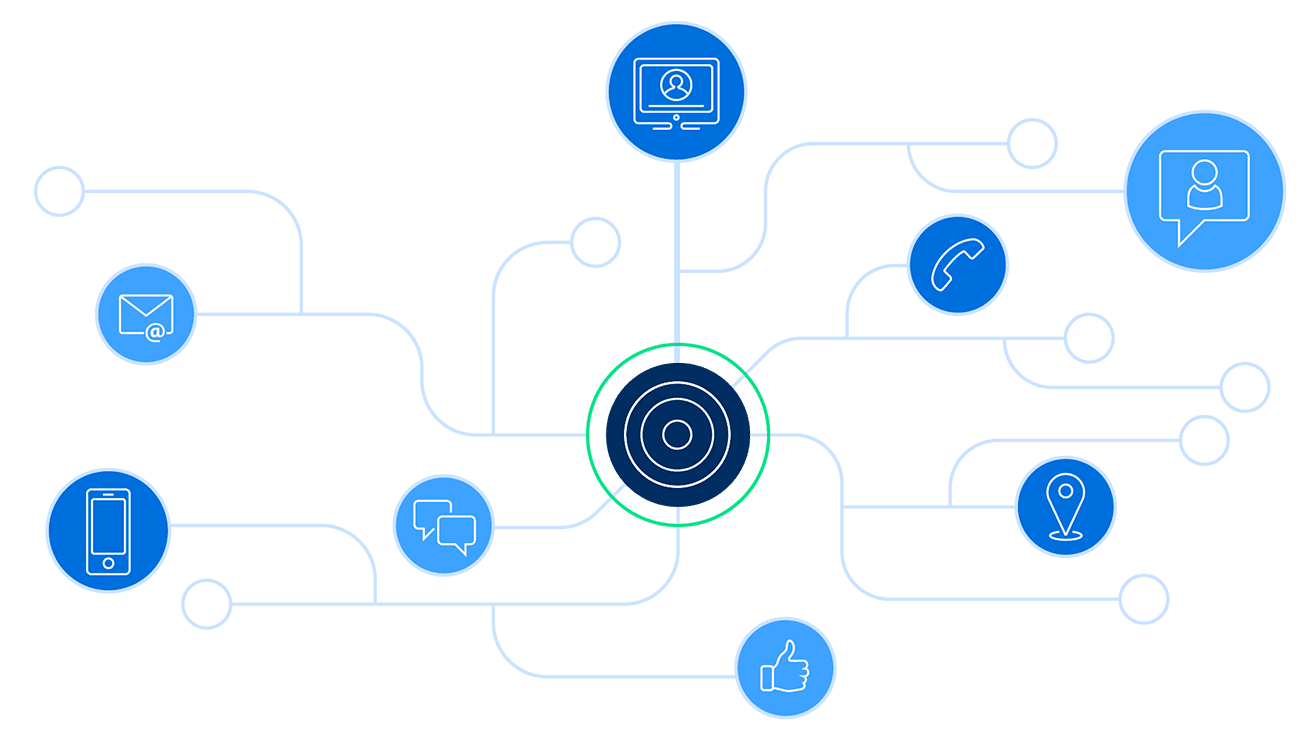
Destination capabilities
Deliver relevant messages where and when they matter most.
- Meet customers where they are when they need it most by deploying relevant messages across all channels quickly.
- Deliver messages across owned digital and third-party applications.
- Track, measure and optimize marketing performance across the entire customer journey.

Marketing decisioning
Make confident decisions in the moments that matter.
- Use an intuitive, marketer-first interface to build complex logic without relying on IT or data science support.
- Deploy out-of-the-box templates to quickly launch common strategies like next-best action, next-best offer and lead scoring.
- Leverage real-time arbitration to instantly determine and deliver the most relevant decision for every customer interaction.

Marketing AI
Move faster from insight to action with marketing-ready AI.
- Use out-of-the-box, marketing-specific analytics use cases, such as likelihood to churn, likelihood to purchase and next-best action.
- Accelerate time-to-value with automation and GenAI-guided model creation and activation.
- Ensure full transparency and explainability of model results with built-in AI governance.


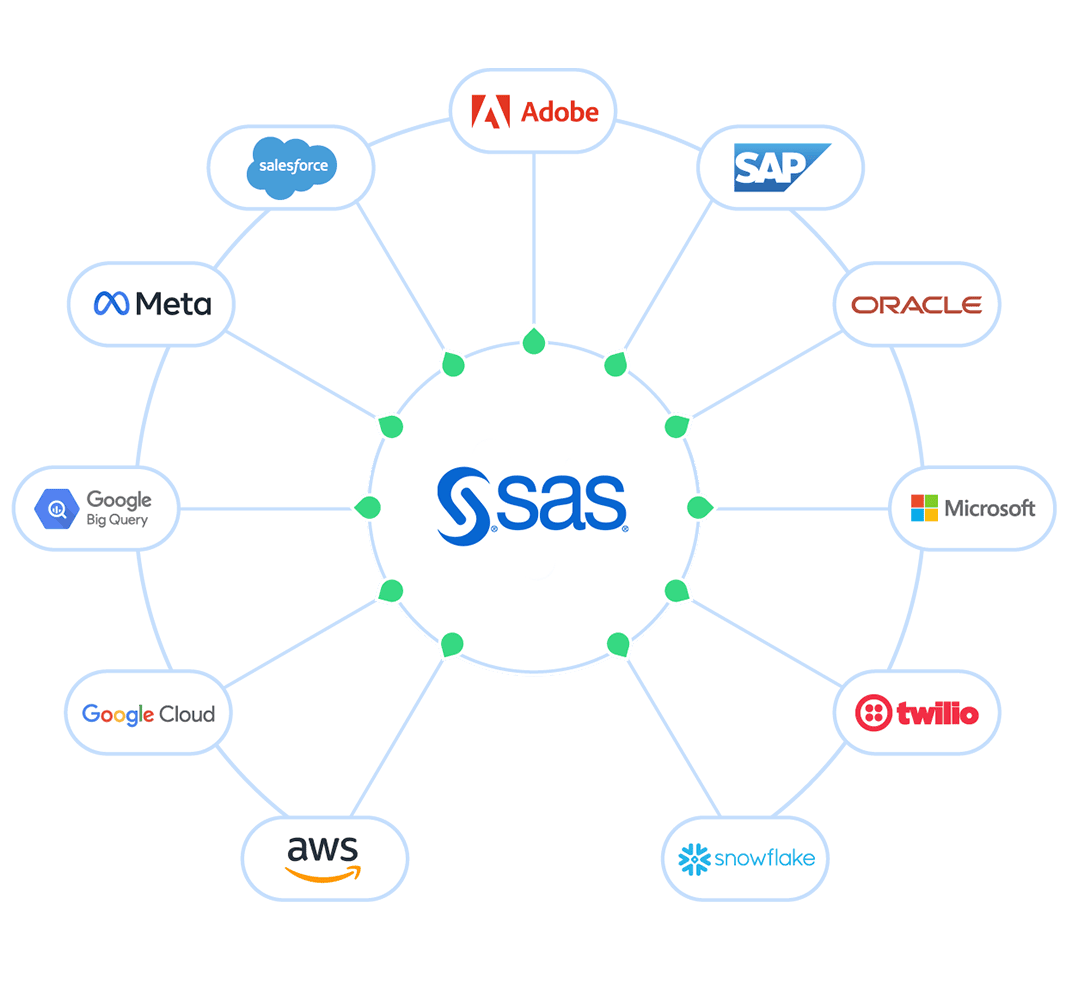
How SAS integrates with your MarTech ecosystem


Analyst perspectives – SAS a Leader in 4 analyst evaluations



Global MarTech thought leadership


SAS Customer Intelligence 360 frequently asked questions
What is SAS Customer Intelligence 360?
SAS Customer Intelligence 360 is a cloud-based, AI-powered customer engagement platform. It helps organizations unify customer data, build advanced audiences, orchestrate personalized journeys, activate messages in real time across channels and measure marketing impact with analytically driven attribution. Unlike a traditional CDP, SAS Customer Intelligence 360 combines real-time activation, AI-powered decisioning and end-to-end journey orchestration in one platform.
Who uses SAS Customer Intelligence 360?
SAS Customer Intelligence 360 supports marketers, digital teams, customer experience professionals and analytics-driven users such as data scientists. Business users can leverage an intuitive interface, while advanced users benefit from AI-assisted segmentation, next-best-action recommendations and predictive analytics.
What industries benefit from SAS Customer Intelligence 360?
SAS Customer Intelligence 360 serves industries focused on personalized customer engagement, including banking, insurance, retail, consumer goods, telecom, media, health care, hospitality, gaming and entertainment. Its hybrid data architecture supports complex, regulated and data-rich environments.
How does SAS Customer Intelligence 360 unify and manage customer data?
The platform uses a hybrid/federated architecture that allows organizations to keep customer data on-premises, in the cloud or across multiple locations. Data is pulled into the platform only when needed for activation and retained only as long as required. This approach reduces risk, preserves privacy and ensures real-time access to unified customer profiles.
Does SAS Customer Intelligence 360 support real-time personalization?
Yes. SAS Customer Intelligence 360 continuously updates dynamic customer profiles by linking known and anonymous identities, providing a comprehensive view of each customer. This enables real-time triggers, personalized offers and immediate activation across various channels, including web, email, mobile, social and CRM systems.
How does SAS Customer Intelligence 360 support AI-driven marketing?
SAS Customer Intelligence 360 uses AI to orchestrate right-time journeys, determine next-best actions and apply predictive analytics for optimized engagement. AI assists in scoring, prioritizing and activating marketing opportunities, helping organizations improve ROI and customer experience without manual intervention.
How is SAS Customer Intelligence 360 different from other marketing platforms?
Many marketing platforms focus on individual capabilities. SAS Customer Intelligence 360 connects data, decisioning and activation across the customer life cycle, so marketers can move from insight to action in one platform – executing faster, adapting in real time and measuring impact with confidence.
How does SAS Customer Intelligence 360 integrate with my MarTech ecosystem?
SAS Customer Intelligence 360 connects seamlessly with third-party marketing systems via APIs and prebuilt connectors. It integrates with cloud platforms, CRMs, analytics tools and digital channels, enabling consistent, multichannel marketing activation without disrupting existing workflows.
What outcomes can organizations achieve with SAS Customer Intelligence 360?
Organizations can:
- Deliver personalized, AI-driven customer experiences in real time.
- Increase engagement, loyalty and conversions.
- Reduce churn and improve retention.
- Measure marketing ROI and optimize campaigns with analytically driven insights.
- Scale marketing operations efficiently with automation and AI-assisted decisioning.
Ready to turn customer insights into real-time, personalized action?
SAS Customer Intelligence 360 delivers the intelligence in the middle that connects your data to every engagement channel. Tell us about your goals, and a SAS marketing expert will follow up to discuss next steps.