Data Connectors
Robust connectivity. Cloud data integration. Optimized processing.
Access any data, anywhere
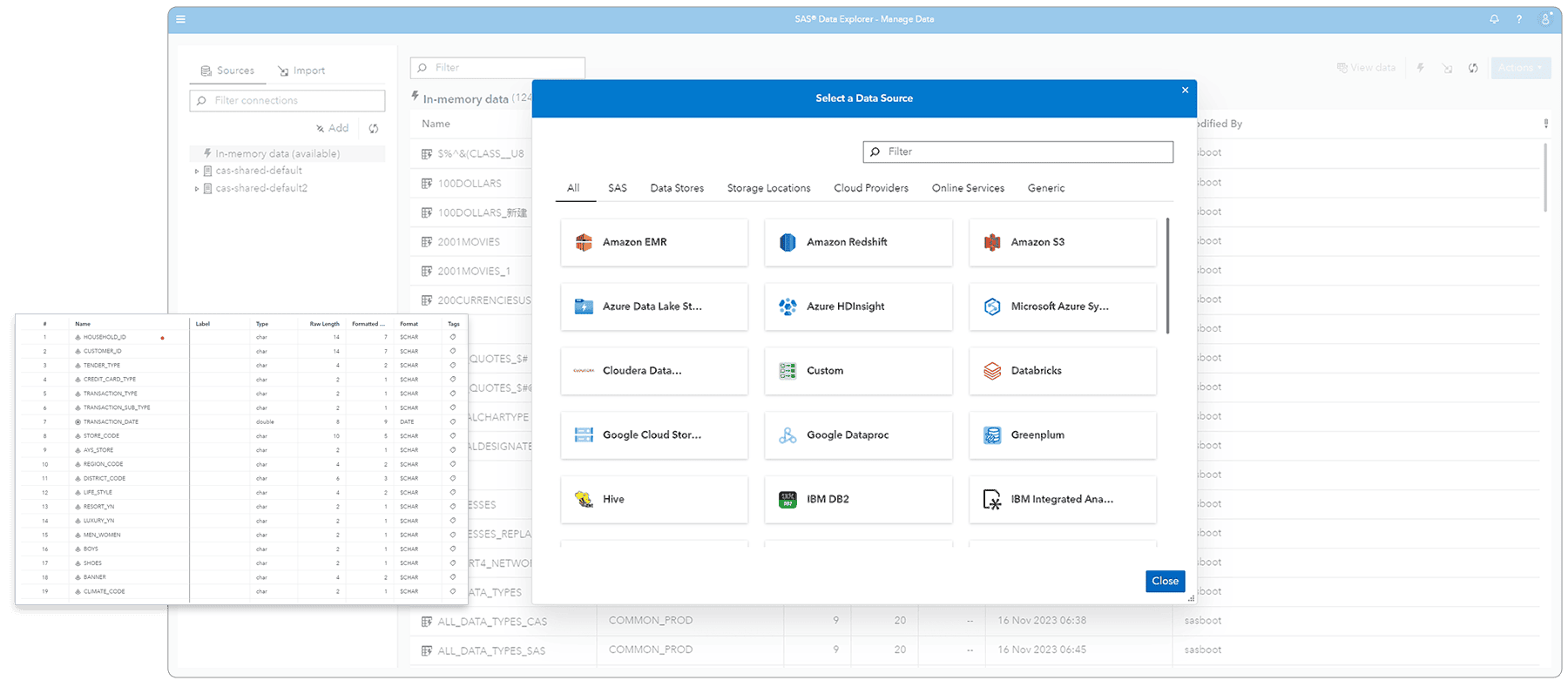
Get seamless and transparent read/write access to data from any source or platform. Connect to leading cloud data platforms, such as Azure Synapse, AWS Redshift, Google BigQuery, Snowflake, Databricks, and relational and nonrelational databases (Oracle, Teradata, MongoDB) – as well as support for open big data file formats (Apache Orc, Apache Parquet).
Securely transfer your data
Get easy, highly secure access to source data behind the firewall. With Cloud Data Exchange, data engineers can take advantage of remote data, like a native SAS data type, and distribute processing with no data movement. Data administrators can confidently enable the sharing of all available data on secured standard-based communications, along with sophisticated authentication and authorization.
Get fast bulk loading & performance enhancements
Multiple options for moving refined data to third-party data stores, including bulk loading, automatic partitioning and direct control over processing. Improve efficiency with native storage options, including temporary tables, materialized views and partitioned tables.
Take advantage of flexible SQL support for diverse databases
Get a bird’s-eye-view of assets, sources and outputs, along with their relationships. Track the movement of data through the data pipeline and identify affected assets from source to destination. Respond confidently to regulatory requirements by providing visibility across the analytics life cycle.
Get to know our data connectors
SAS Viya is cloud-native and cloud-agnostic
Consume SAS how you want – SAS managed or self-managed. And where you want.