SAS® Data Quality Solution
Ensuring information excellence through data quality lifecycle management
Benefits
- Profile, monitor and actively manage the quality of enterprise data.
- Integrate and standardize data across multiple systems and business units.
- Define data correction rules to reflect organizational changes and cleanse data.
- Provide decision makers with trustworthy information.
Features
- Powerful, easy-to-use graphical user interface
- Data profiling capabilities
- Cleansing and standardization
- Matching and deduplication
- Identification analysis
- Data quality rule customization
- International support
- A component of the SAS Data Management offering
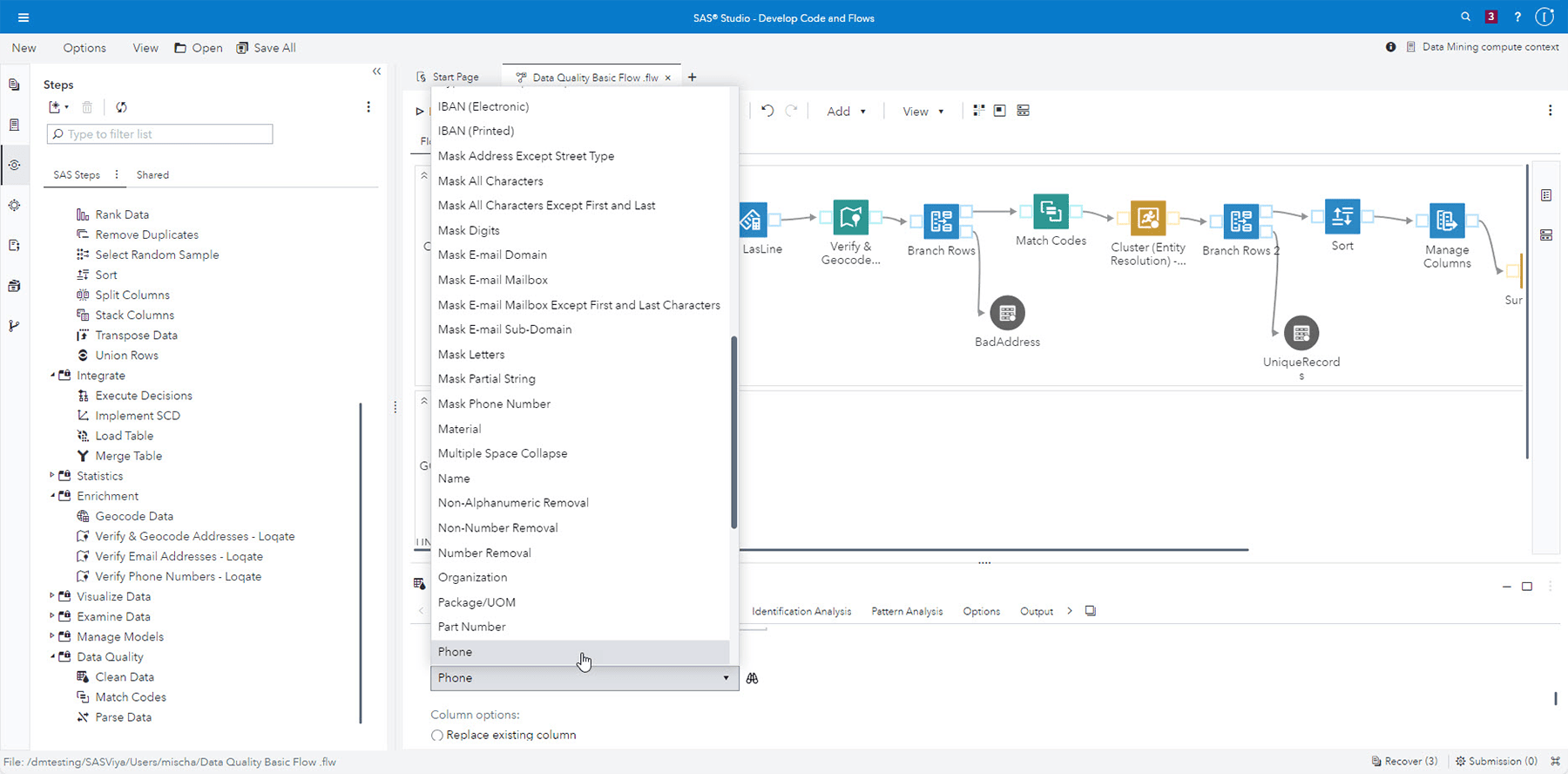
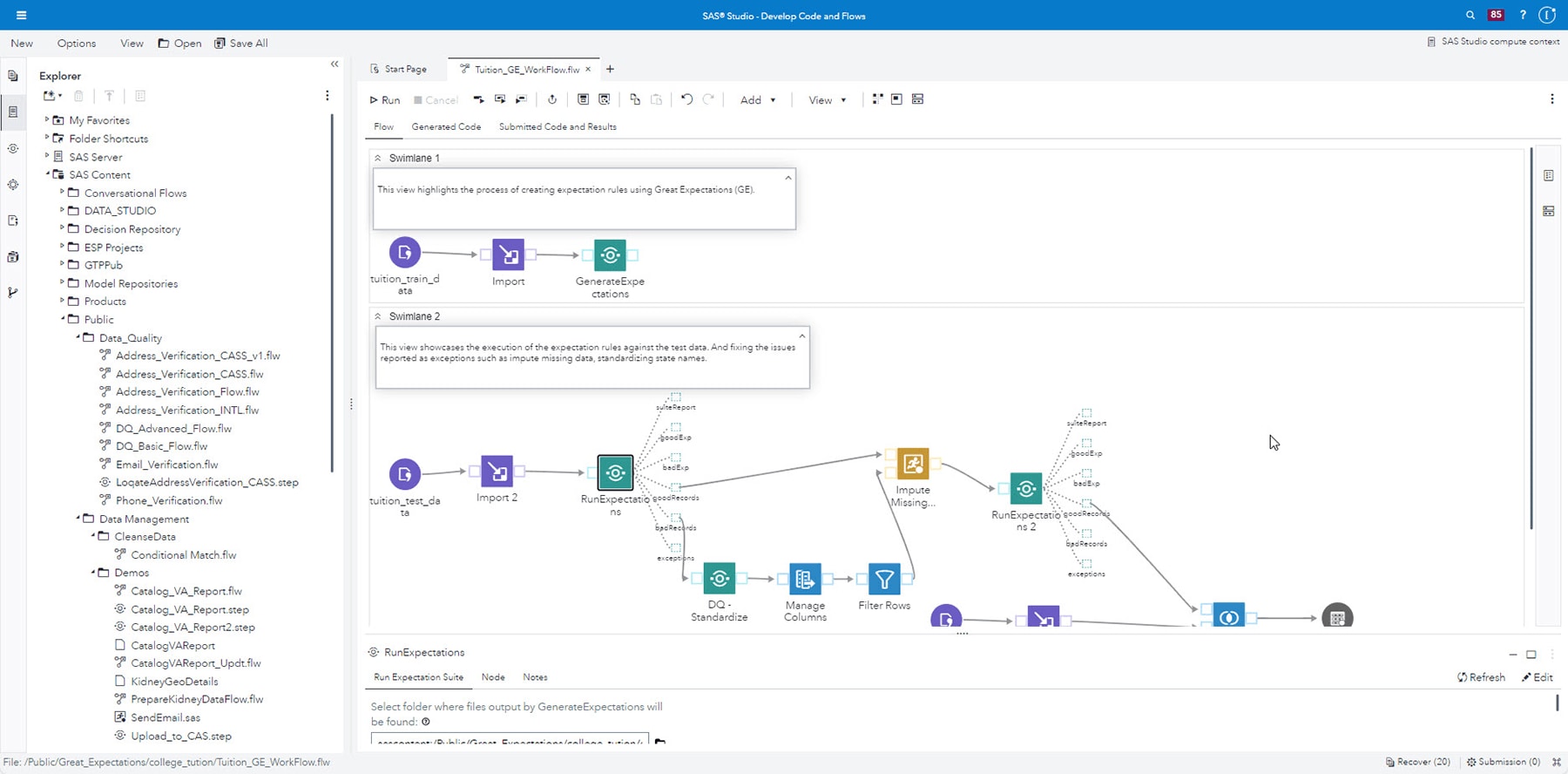
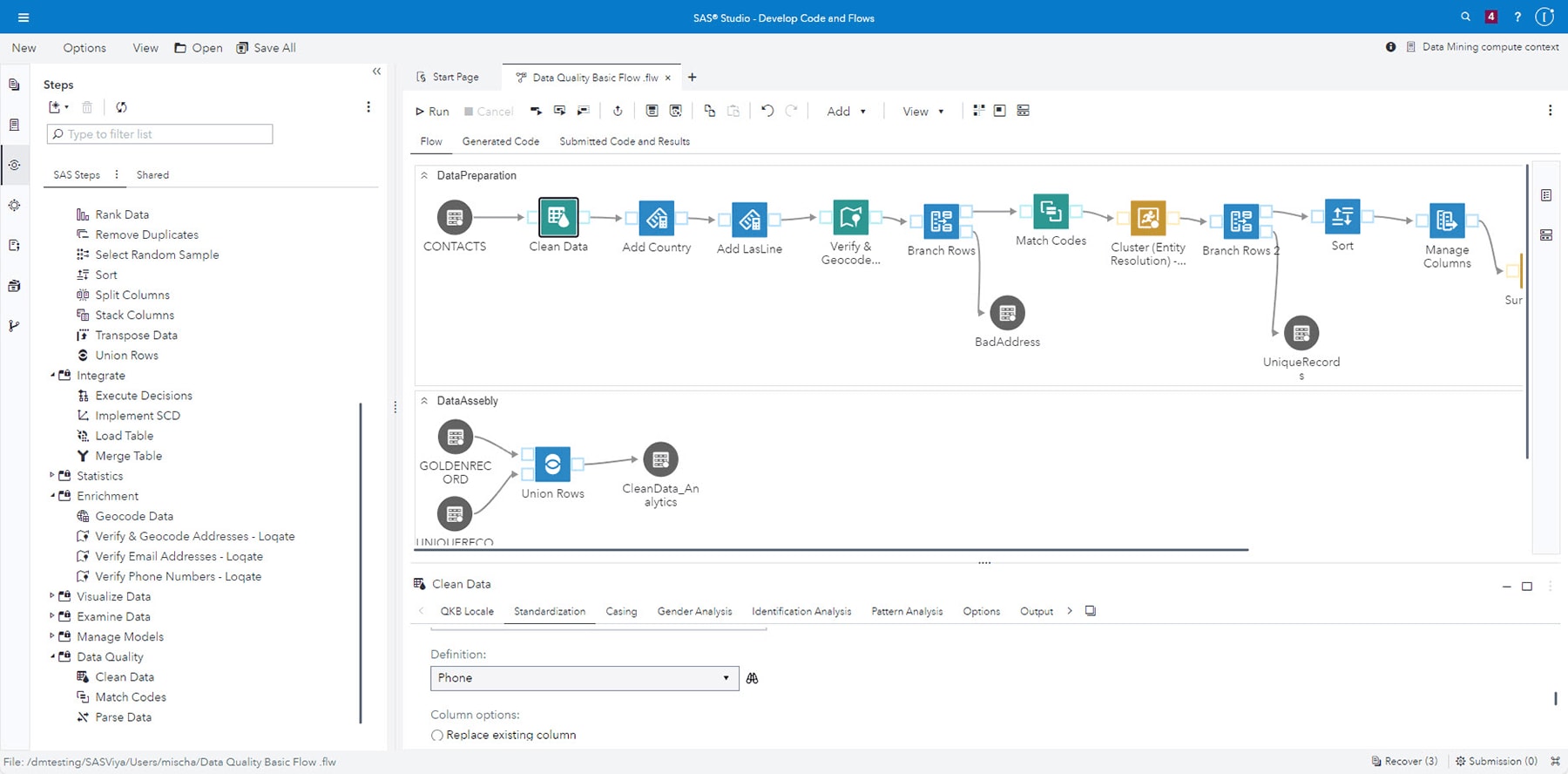
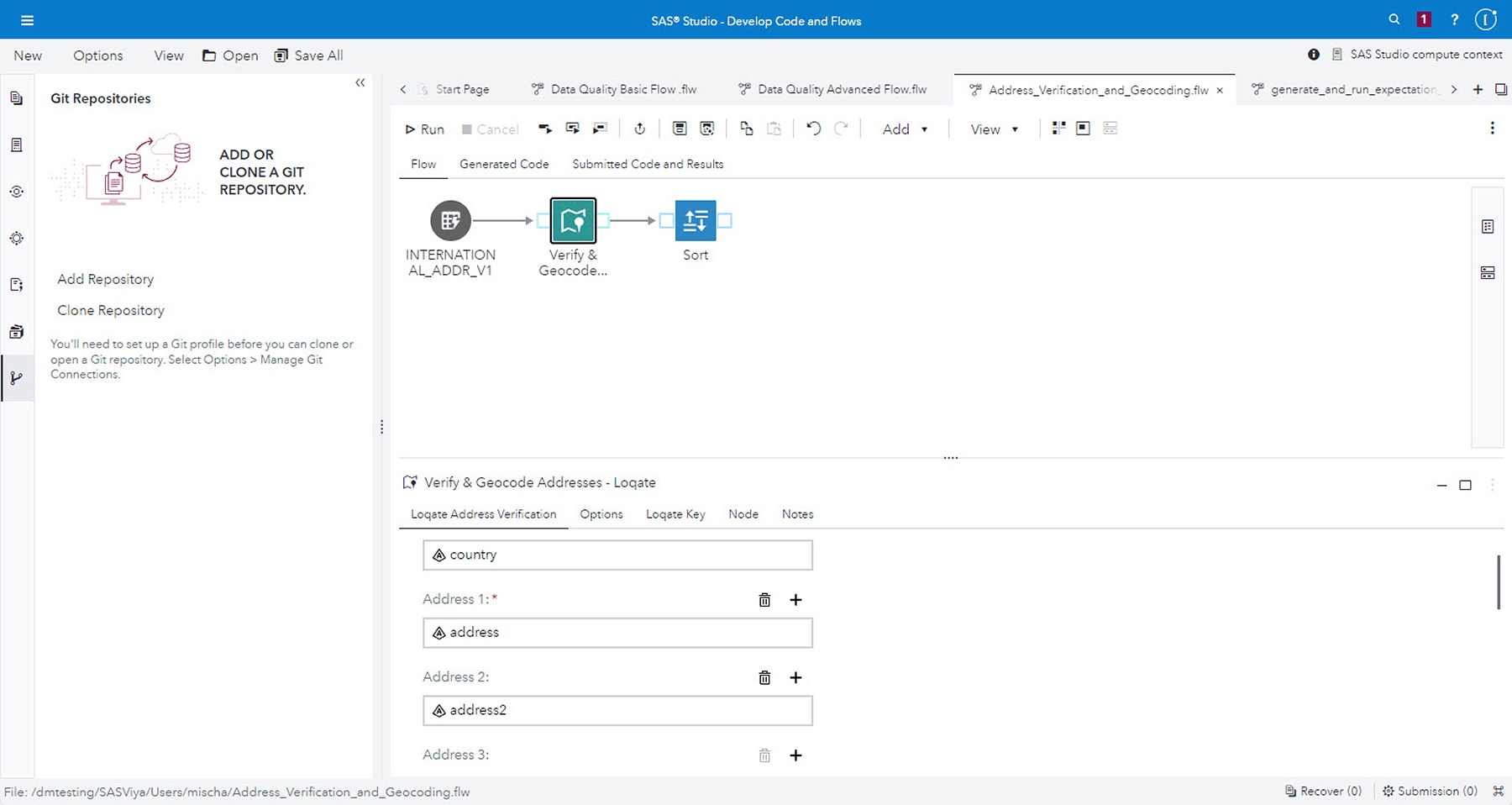
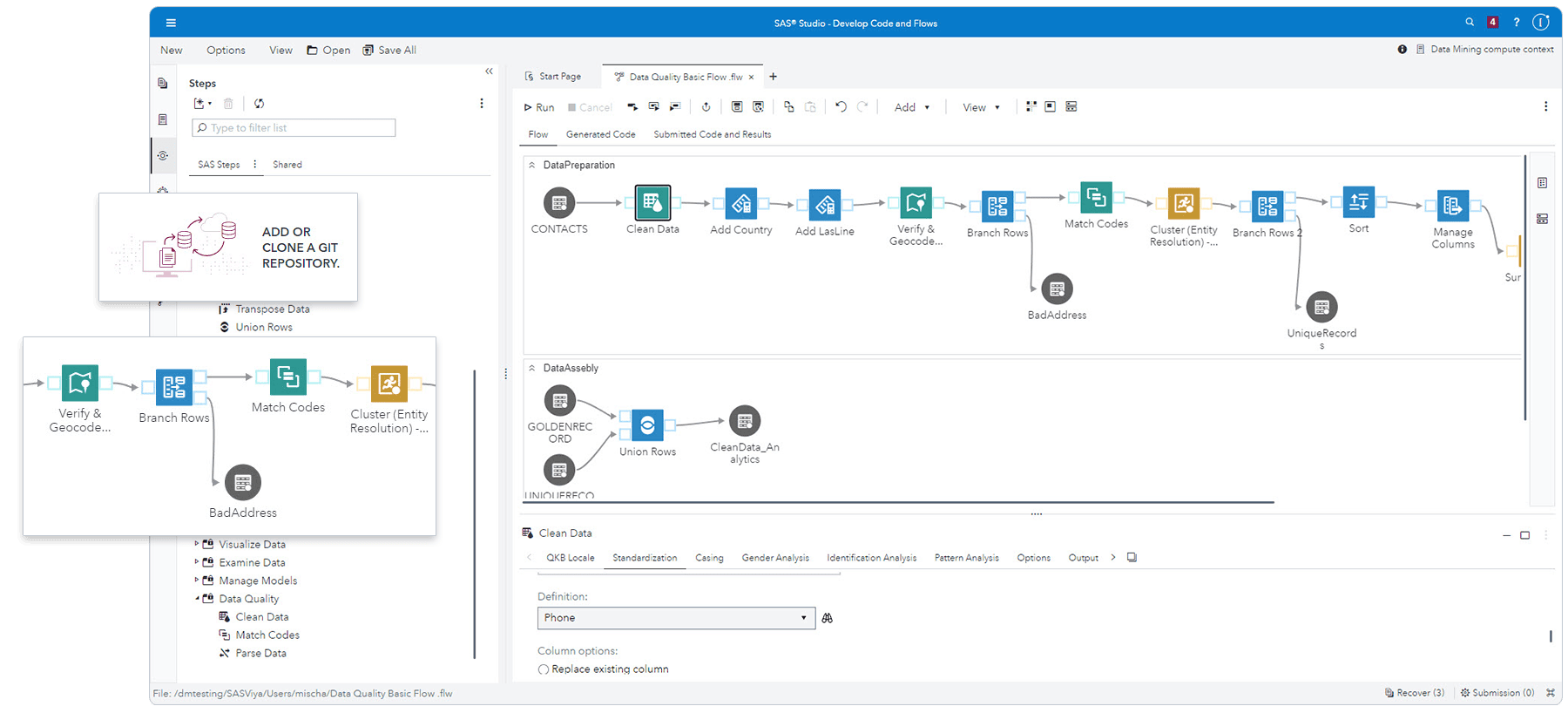
Screenshot
This solution provides an easy-to-use interface that lets you uncover inconsistencies and inaccuracies in your data.
How SAS® Is Different
- Runs on multiple mainframe and PC operating systems.
- Delivers unmatched ease of use and deployment.
- Supports both business users and IT staff users.
- Quality Knowledge Base requires no programming knowledge; it has built-in phonetics and heuristic algorithms used for matching and cleansing.
Benefits
- Profile, monitor and actively manage the quality of enterprise data. SAS Data Quality Solution provides the ability to analyze and assess the quality of data across the enterprise. Profiling allows you to determine where potential problems exist and what efforts will be required to rectify them. Organizations can then focus on root cause analysis, improving key data areas and processes for better planning and project execution.
- Integrate and standardize data across multiple systems and business units. With SAS Data Quality Solution, organizations can incorporate data quality business rules across data sources and platforms. By implementing standard and custom processes, data from different systems can be regulated and standardized into a unified, accurate view.
- Define data correction rules to reflect organizational changes and cleanse data. Specialized interfaces make it easy for business analysts and data stewards to create data quality improvement processes and visualize the impact of business rules and data cleansing efforts. State-of-the-art data quality tools enable business and technical users to cleanse, standardize, integrate and augment data, and can be customized to meet the requirements of each organization.
- Provide decision makers with trustworthy information. Accurate, consistent, valid and reliable data delivers consistent reporting and analytic results. By automatically integrating data quality into data integration processes, data used for business intelligence and analytics will be current and accurate.
Features
- Powerful, easy-to-use graphical user interface
- Windows-friendly environment lets users analyze data, define business rules and create data standardization and data matching/integration specifications for IT users.
- Data profiling capabilities
-
- Analyzes enterprise data to determine nuances, discrepancies and inaccuracies in data.
- Provides an easy-to-use interface to determine areas of poor data quality and the amount of effort required to rectify them.
- Cleansing and standardization
-
- Provides the ability to eliminate or reduce inconsistencies in corporate data.
- Provides easy-to-use tools to analyze and prototype data quality cleansing processes and correct data accordingly.
- Matching and deduplication
-
- Consolidates data from multiple data sources when a complete match is not possible.
- Creates unique key values by using fuzzy logic to group together information with similar values across one or multiple fields
- Identification analysis
-
- Determines the gender of an individual for targeted marketing purposes.
- Determines whether a value is a person or an organization.
- Data quality rule customization
-
- Personalize parsing, matching and standardization algorithms.
- Create or enhance the rules used to parse the parts of the names, addresses, e-mail addresses, product codes and other business data.
- Add rules to matching algorithms about which part of a data string weighs the heaviest in a match.
- A common Quality Knowledge Base (QKB) lets you share this information between SAS products (server) and DataFlux® products (clients).
- International support
-
- Understands the nuances in various languages, including names, addresses, organizations and other areas where data parsing is required.
- Employs local knowledge of these data types.
- A component of the SAS Data Management offering
-
- By integrating with SAS capabilities, SAS Data Quality Solution can be part of an overall data integration strategy.
- Data quality can be applied to all SAS supported data sources and platforms, which ensures enterprise scalability.
- Provides an interactive approach to data quality that eliminates duplication of effort when creating business rules.
System Requirements
Host Platforms
- HP/UX on Itanium: 11iv3 (11.31)
- HP/UX on PA-RISC: 11iv3 (11.31)
- IBM AIX on POWER architectures: 6.1 and 7.1
- IBM z/OS: V1R10 and higher
- Linux (32-bit): Novell SuSE 10 and 11; RHEL 5 and 6
- Linux x64 (64-bit): Novell SuSE 10 and 11; RHEL 5 and 6
- Microsoft Windows (32-bit): Windows XP Professional, Windows Vista *, Windows 7**, Windows Server 2003 family, Windows Server 2008 family
- Microsoft Windows on x64 (64-bit): Windows XP Professional for x64, Windows Vista* for x64, Windows 7** for x64, Windows Server 2003 family for x64, Windows Server 2008 family for x64
- Solaris on SPARC: Version 10 Update 8
- Solaris on x64 (x64-86): Version 10 Update 8
Client Tier
- Microsoft Windows (32-bit): Windows XP Professional, Windows Vista*, Windows 7**
- Microsoft Windows x64 (64-bit): Windows XP Professional for x64, Windows Vista* for x64, Windows 7** for x64
Required Software
- Base SAS®
Optional Software
- SAS Data Integration Server (for data quality transformation plug-ins)
- SAS/ACCESS® software (for access to third-party databases)
- Additional Quality Knowledge Base (QKB) locales
- DataFlux dfPower Verify (CASS, SERP, US Geocode, Canadian Geocode, phone and ZIP code analysis, and world address verification)
- DataFlux dfPower Monitor (real-time business rule monitoring)
- DataFlux dfPower Explorer (metadata profiling)
SAS Data Quality Solution is also included as part of SAS Enterprise Data Integration Server.
* NOTE: Windows Vista supported editions are: Enterprise, Ultimate and Business.
** NOTE: Windows 7 supported editions are: Enterprise, Ultimate and Professional.
Ready to learn more?
Call us at 1-800-727-0025 (US and Canada) or request more information.