SAS Enterprise Guide
Empower users to be self-sufficient with guided access to the analytical power of SAS.
-
Integrate with SAS Viya.
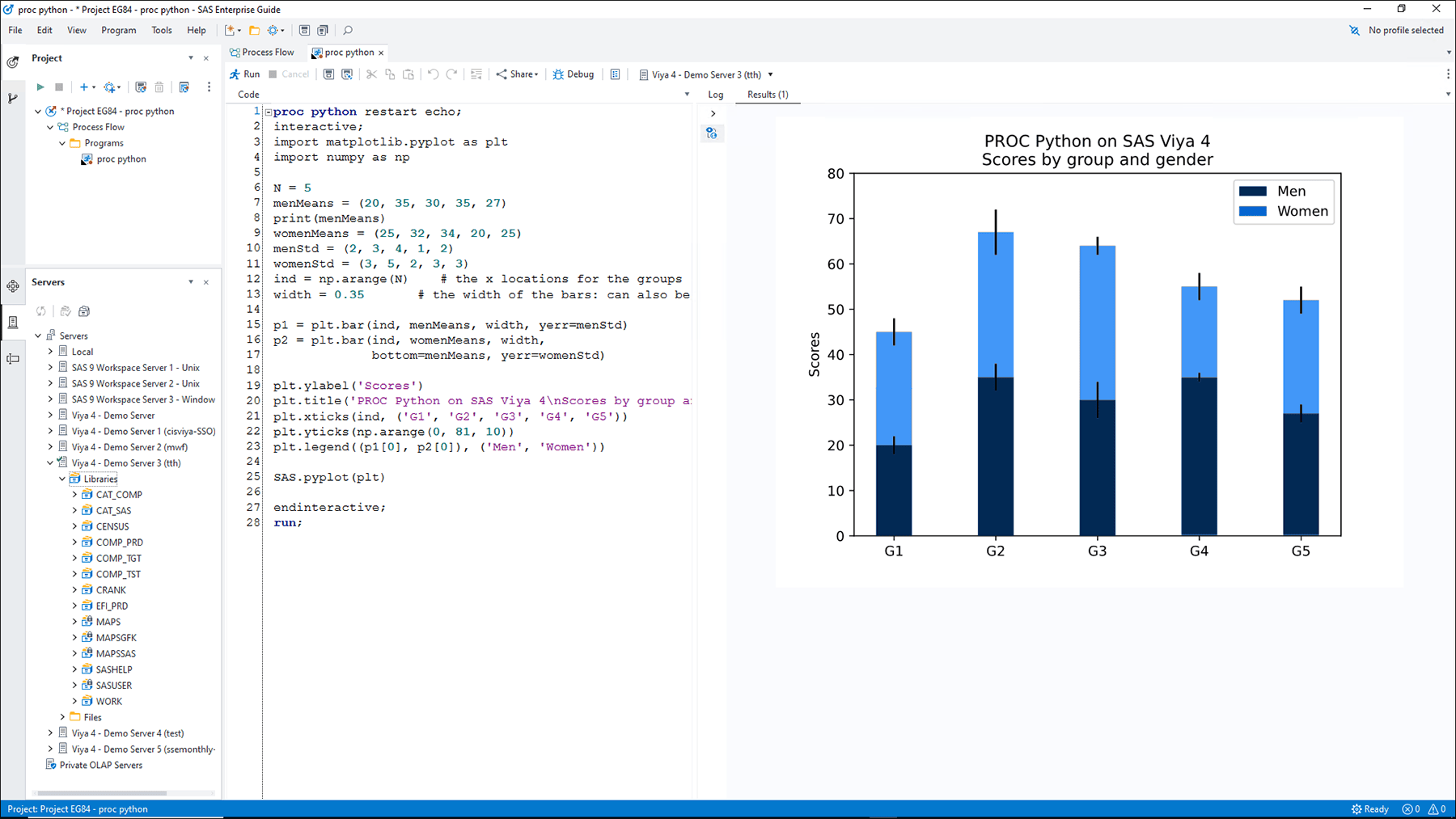
Continue using SAS Enterprise Guide combined with SAS Viya's modern capabilities and architecture. Run your SAS programs on SAS Viya without having to recode, and reap the benefits of a modern, cloud-based platform to create new projects and gain cloud computing efficiencies. Take full advantage of the scalability and state-of the art analytics in SAS Viya.
-
Provide a self-service analytics environment that liberates IT.
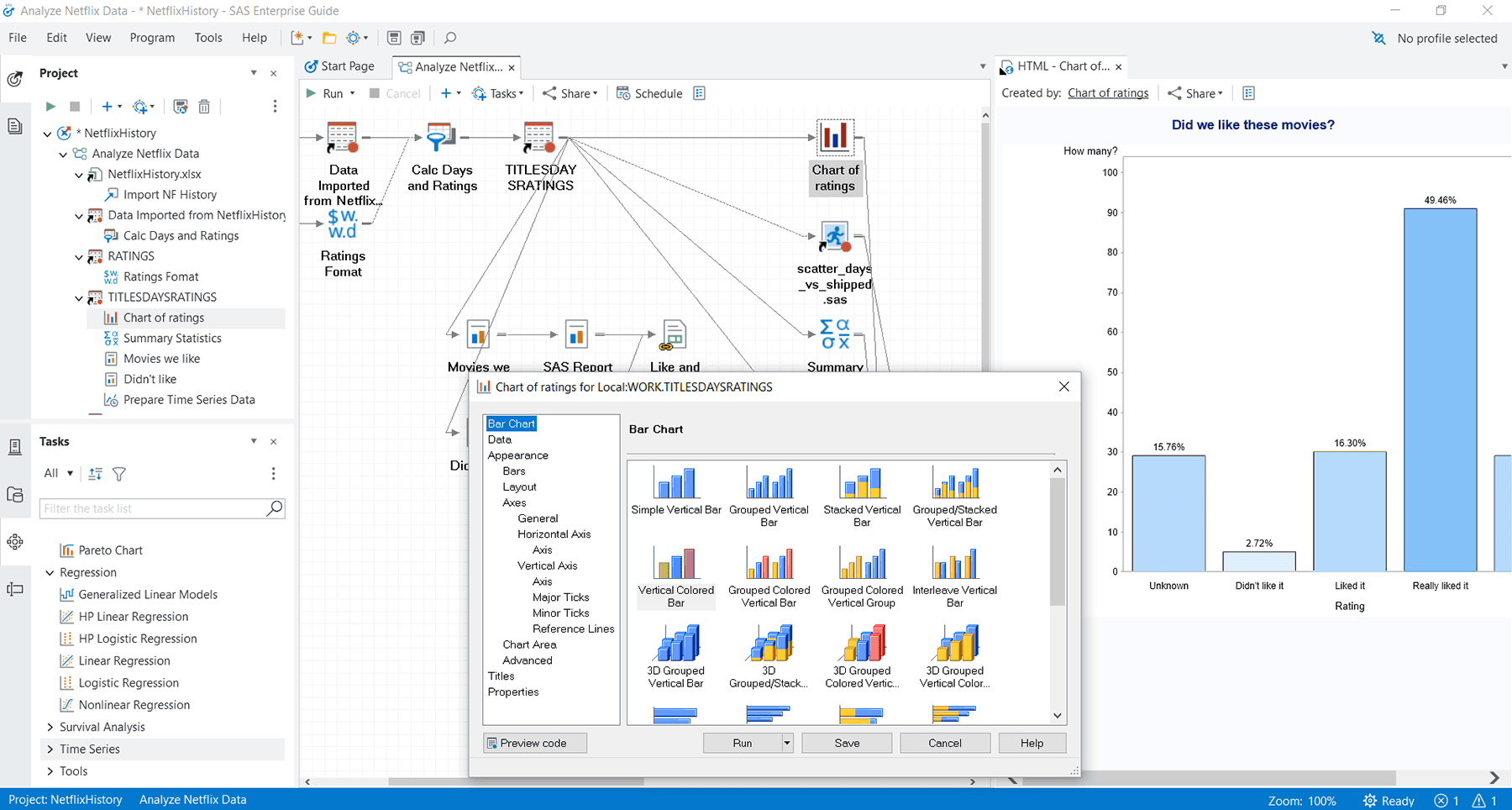
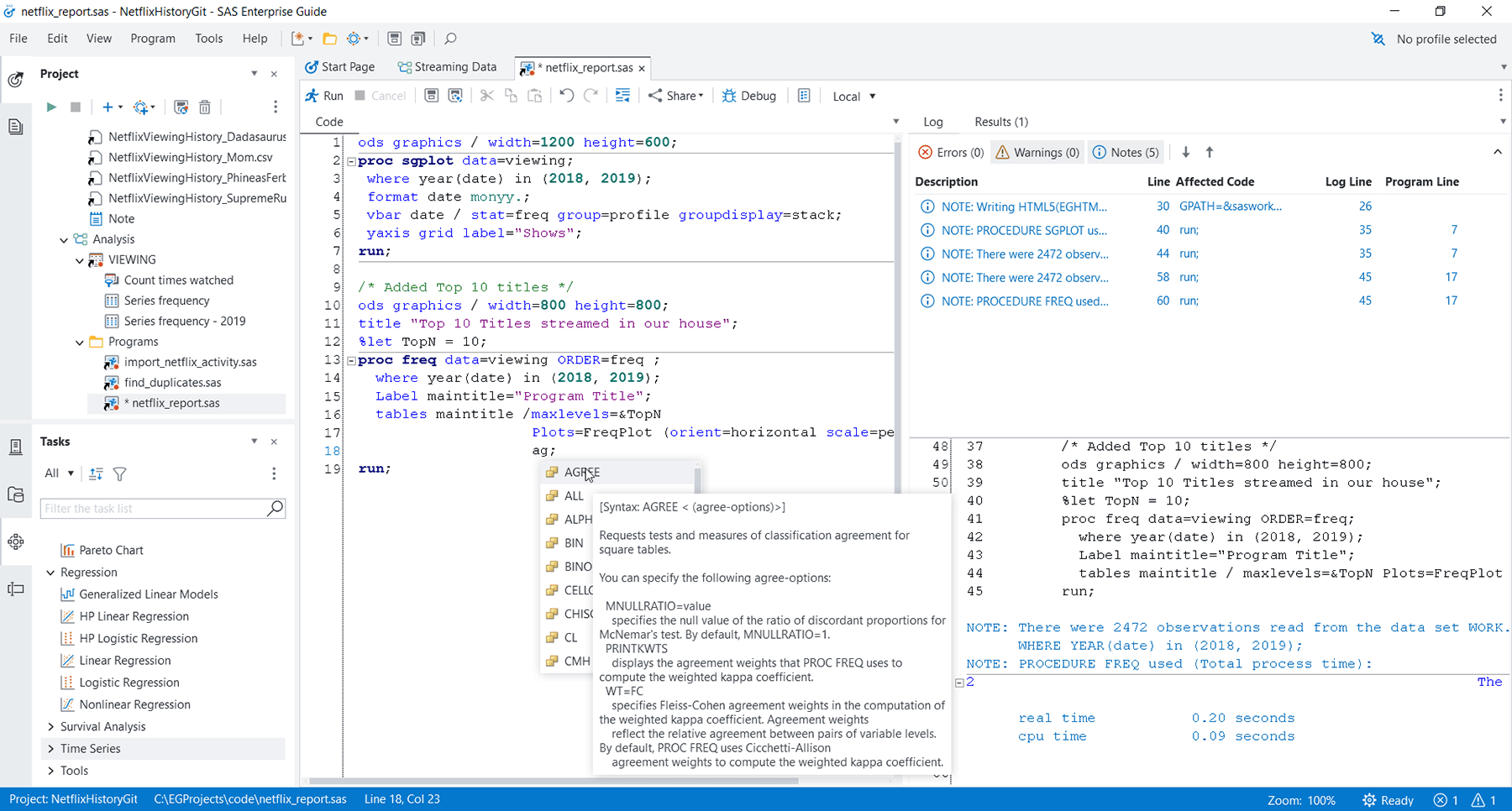
SAS Enterprise Guide integrates an extensive array of analytics with the power of SAS software in an efficient, user-friendly graphical user interface application. Business analysts can produce their own analyses and distribute reports, freeing IT to focus on other strategic projects.
-
Enable easy – yet secure – access to enterprise data sources for different users.
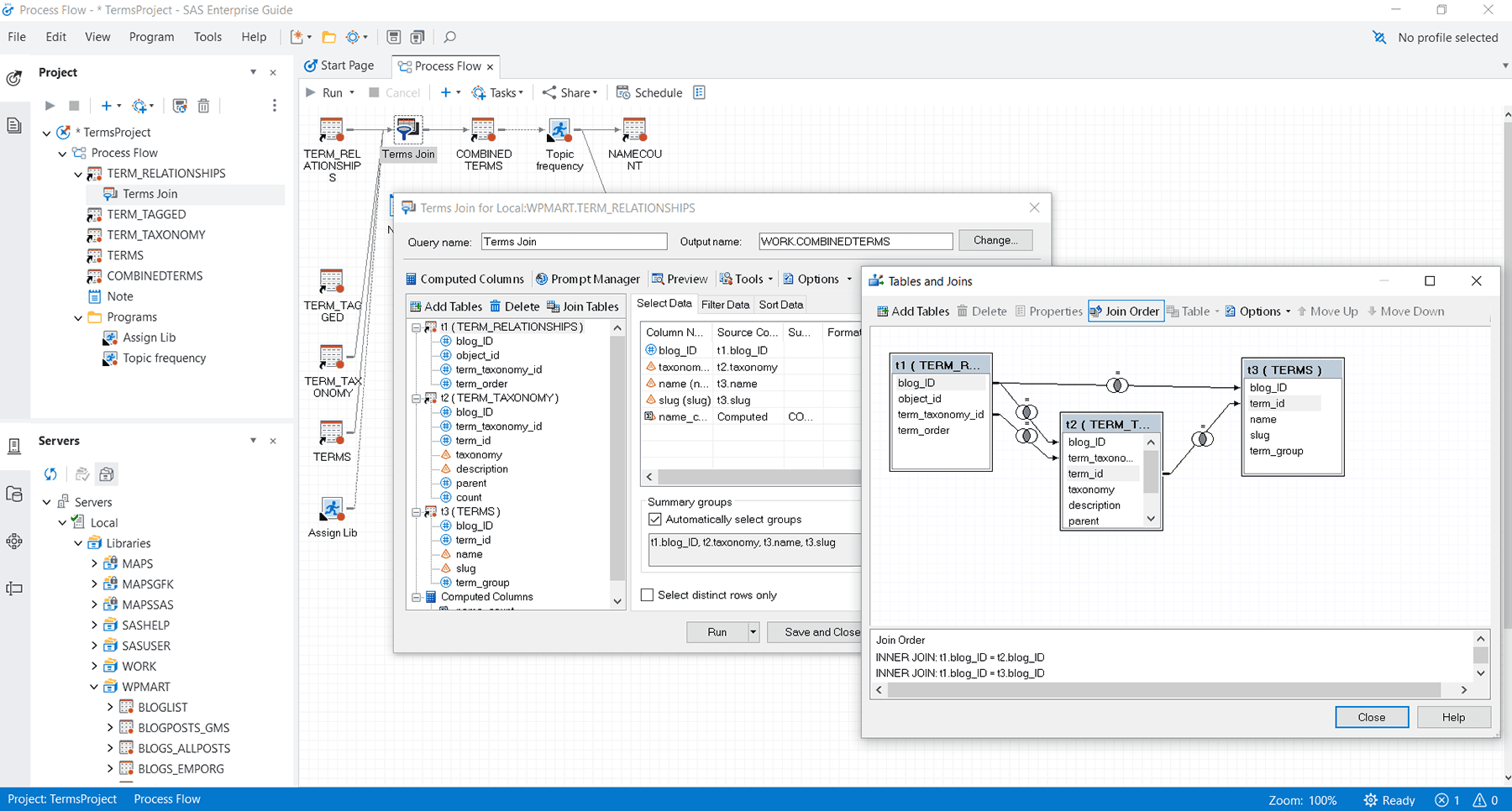
Our solution guides users so they can quickly access data for analysis, schedule projects, share results and easily embed output for repeated use – including access to advanced analytics and other SAS capabilities. A centralized, IT-managed role-based security system ensures that users have appropriate corporate data access privileges, which empowers them to react quickly to evolving business conditions.
-
Distribute interactive content to Microsoft Office and web users.
The ability to develop and deploy customized tasks lets users extend core functionality to create easily distributed custom wizards. Easily deliver information and publish dynamic, interactive content to Microsoft Office and web users.
Key Features
An easy-to-use menu- and wizard-driven tool for analyzing data and publishing results.
Guided analysis & reporting
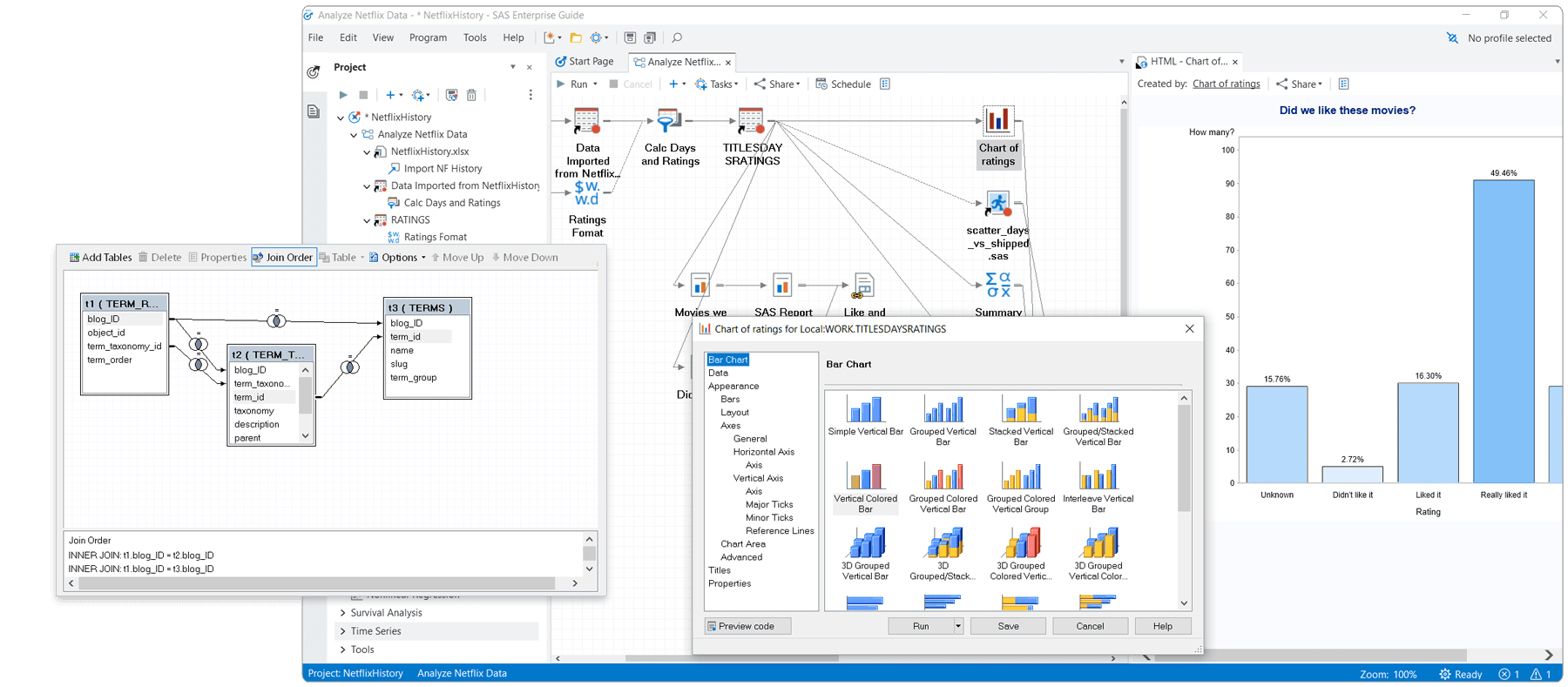
Includes a graphical interface that provides easy access to SAS data integration, preparation, analytics and reporting, while process flows help you visually organize and maintain your projects.
Visual data access & management
Provides transparent access to SAS and external data, with the ability to export results to other Windows and server-based applications – making it easy for management to consume SAS in a familiar environment.
Result distribution & sharing
Lets you distribute results by publishing to multiple channels, including printers, Microsoft Office documents and email. When using a SAS 9 connection, you can also publish results to the SAS BI report/content repository and the SAS Stored Process Server.
High-performance computing
Delivers high-performance computing for analyzing large data sets with a SAS Viya connection using SAS Cloud Analytics Services. With a SAS 9 connection, it automatically detects the availability of a grid environment for more efficient processing, and lets you configure process flow branches to run in parallel on different grid nodes.
Administration & security
Provides automated management of the computing grid with dynamic load balancing, resource assignment and job prioritization when deployed with SAS Grid Manager (SAS 9 connections only).





Related Products & Solutions
- SAS® Analytics ProAccess, manipulate, analyze and present information with a comprehensive analytical toolset that combines statistical analysis, reporting and high-impact visuals.
- SAS® Enterprise Miner™Streamline the data mining process to create highly accurate predictive and descriptive models based on large volumes of data.