SAS® Enterprise Content Categorization Add-On Modules
Customize your categorization solution for your unique content analytics needs
Benefits
- Help users identify the information they need, quickly.
- Jump-start your categorization efforts.
- Purge content chaos that spans multiple enterprise repositories.
Features
- SAS® Industry Taxonomy Rules
- SAS® Document Duplication Detection
- SAS® Search and Indexing
- SAS® Text Summarization
- SAS® Crawler
- SAS® Content Categorization Information Workbench
- SAS® Content Alerts
- SAS® Text Data Language Pack
How SAS® Is Different
- SAS expands your business processes that rely on accurate content with several add-on modules that provide faceted content search, meaningful document summaries, identification of duplicate documents, quick-start industry taxonomies, a crawler for both internal and Internet content retrieval, real-time alerts to new content availability and more.
- These unique technologies extend your categorization investment, with richer processing at the level of words, linguistic relations and word meanings – solving issues associated with excessive electronic information and exponential growth rates.
- SAS Enterprise Content Categorization add-on modules ensure that your solution can evolve as your business grows.
Benefits
- Help users identify the information they need, quickly. When documents are classified based on their content, retrieval activity is improved since more meaningful, relevant information is returned from searches. Relying on limited, predefined keywords alone is insufficient. Add-on capabilities include search and indexing to retrieve information based on facets defined by the content itself; a crawler that automatically downloads requested documents from internal file systems and the Internet; a text summarization module that identifies the most meaningful sentences in a document – delivered in a condensed form – and a scalable, real-time alert service that delivers notifications to users across a range of alert media, including emails, instant messaging, etc.
- Jump-start your categorization efforts. The SAS Industry Taxonomy Rules provide an extensive, prebuilt suite of terms, entities, attributes and their hierarchical relationships to quick-start categorization projects. Once taxonomies are established, and any linguistic rules developed, the SAS Search and Indexing add-on module can be applied to automatically discern query semantics and enable superior drill-down capabilities to enhance users' investigative techniques. Narrowing down information to just the relevant sources, this add-on applies stemming and automatic spelling correction to enable richer preprocessing and provide more accurate, relevant search results.
- Purge content chaos that spans multiple enterprise repositories. Enterprise repositories often contain many documents that have been duplicated or edited and republished. Extending the categorization of similar content, the SAS Document Duplication Detection add-on helps organizations minimize their content stores, maintaining only those materials that meet the threshold standards of similarity.
Features
- SAS® Industry Taxonomy Rules
-
-
Provides an extensive suite of terms, entities and their hierarchical relationships to quick-start categorization efforts.
-
More comprehensive than other prebuilt taxonomies with attributes, attribute values and SAS predefined rules.
-
Available to virtually every industry and can be readily translated into more than 30 languages and dialects.
-
Updates are included as part of the licensing agreement.
-
- SAS® Document Duplication Detection
-
-
Designed to recognize, within a large set, which documents are similar up to a threshold of similarity.
-
Configurable similarity threshold allows the system to detect versions of documents that have been substantially re-edited or to focus on documents that are only small variations of others.
-
Abstract the documents from their actual format and focus on the content of the document.
-
- SAS® Search and Indexing
-
-
Apply linguistic intelligence to search queries and documents at the preprocessing level to provide a more accurate and relevant search.
-
Use advanced linguistics technologies such as stemming and automatic spelling correction to provide richer processing at the level of words, linguistic relations and word meanings.
-
Organize information into an intuitive hierarchical directory, which encapsulates specific categories into more general categories, allowing for greater flexibility.
-
Narrow down search within a category, or browse documents in the category of interest.
-
- SAS® Text Summarization
-
-
Automatically summarize documents from defined specification of key concepts (e.g., anchor words or word strings).
-
Natural order of key sentences describes the essence of text so it is meaningful to readers.
-
Leverage existing concepts and concept taxonomies to define single concepts or relationships that are sought in the identification of key sentences, including Classifier concepts (authority lists), Regex concepts (regular expressions) and Grammar concepts (syntactic patterns).
-
Documents written in different languages can be summarized while retaining the inherent meaning within the natural language of the source content. Word tokenization is dependent on the language of the materials being summarized.
-
- SAS® Crawler
-
-
For web crawling, starting at a user-specified URL, the crawler follows the hyperlinks in the Web while repeatedly sending HTTP requests to simultaneously obtain corresponding HTML content and any URLs existent within that content.
-
Markup matcher facility simplifies the definition of fielded content from HTML or XML documents, permitting Xpath and regular expression rules, and enabling user-defined template reuse.
-
Crawl the highest-quality pages first, when the quantity of object pages is very large. Duplicates of URLs or page contents are automatically removed. Incremental crawler for updated content can also be set.
-
Specify the minimum access interval for continuous downloads from each site, maximum parallel connections to each site or domain, or the maximum number of times to retry each failed HTTP request.
-
Logon for cookie-supported and password-protected websites.
-
- SAS® Content Categorization Information Workbench
-
-
Workflow definition tool incorporating automatic abstracting, categorization and entity extraction that is designed for indexers or editors.
-
Combines human editorial review with automatic abstracting, categorization and metadata tagging.
-
Provides a feedback loop to the taxonomy tool for editing the taxonomy based on the use of nodes in the taxonomy.
-
- SAS® Content Alerts
-
-
Specify HTML, text or XML email alerts; use email, SMS or other means of alerts.
-
Multiple alerts to the same user can be combined into a single alert.
-
All alerts are encoded in an intermediate XML format for delivery processing.
-
Users can specify the time when alerts are sent (time of day or as soon as possible).
-
Communicate directly through the SMTP protocol to a send mail server. Automatically check for returned emails by accessing a POP server.
-
Highly scalable to millions of users with a constant flow of documents.
-
- SAS® Text Data Language Pack
-
-
SAS Enterprise Content Categorization ships with English and a native language if not English.
-
Asian, Eastern and Western European, and Middle Eastern languages are available.
-
Screenshots

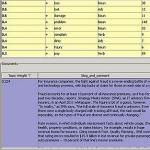
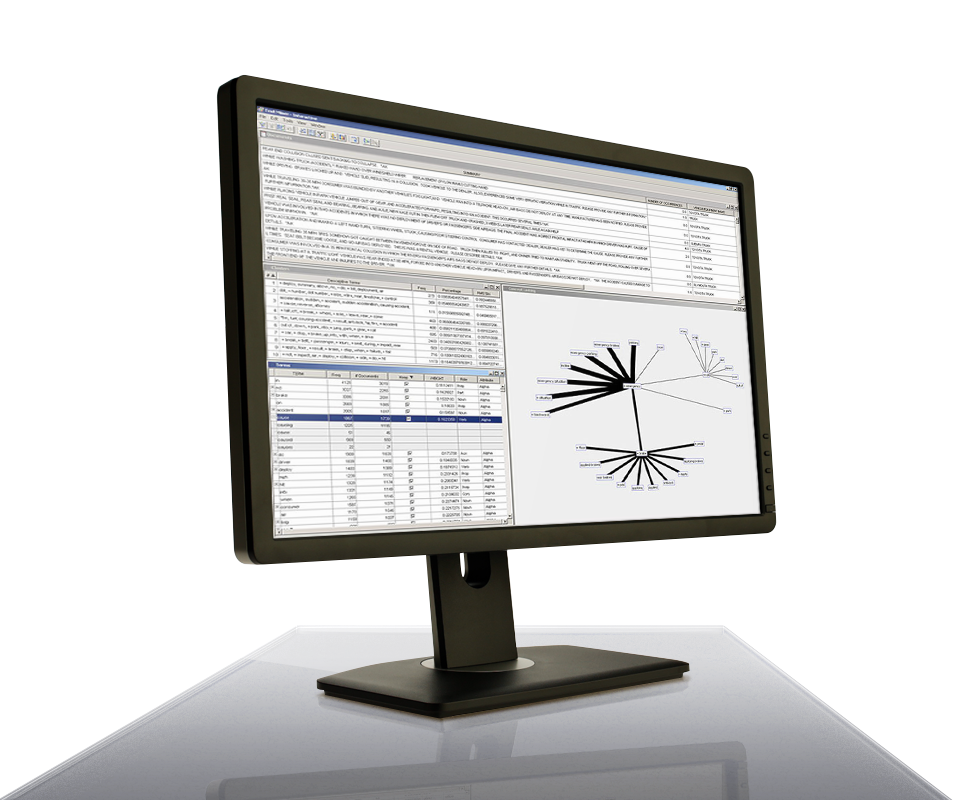
Test summary definitions before production.
The graphical user interface in SAS Text Summarizer enables you to easily test summary definitions prior to production to ensure relevance thresholds have been defined optimally.

Choose your own output schema.
Using the comprehensive information retrieval of the SAS Crawler add-on, you can choose your own output schema with the fielded content you want from crawled systems.
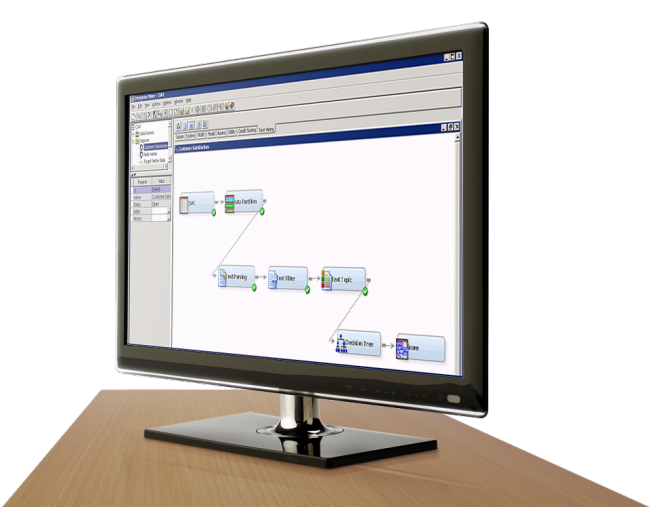
Wizard-driven interface
A wizard-driven interface helps you easily define crawling, indexing and search configurations.
System Requirements
All add-ons must license SAS Enterprise Content Categorization or the single-user version, SAS Content Categorization. Supported platforms vary for each add-on.
Client environment
- Microsoft Windows (x86-32 and x64): Windows XP Professional, Windows Vista*, Windows Server 2003 family
Server environment
-
AIX: Versions 6.1 and 7.1 (x64) on POWER architectures
-
HP-UX Itanium: HP-UX 11iv3 (11.31)
-
Linux for x64 (EM64T/AMD64): RHEL 5 and 6, SuSE SLES 10 and 11
-
Microsoft Windows (x86-64 (EM64T/AMD64): Windows XP Professional, Windows Vista*, Windows 7**, Windows Server 2003 family, Windows Server 2008 family
-
Microsoft Windows on x64 (EM64T/AMD64): Windows XP Professional for x64, Windows Vista* for x64, Windows 7** for x64, Windows Server 2003 for x64, Windows Server 2008 for x64Solaris on SPARC: Version 10
-
Solaris on x64: Version 10
* Windows Vista editions that are supported include Enterprise, Business and Ultimate.
** Windows 7 editions that are supported include Professional, Enterprise and Ultimate.
Ready to learn more?
Call us at 1-800-727-0025 (US and Canada) or request more information.